
AI product design vs UX design: what actually changes

You spent two weeks on that support screen. Clean layout, friendly microcopy, every edge case covered. The usability test went beautifully.
Then it goes live, and a user forwards a screenshot to your manager. Your lovely screen is showing an AI reply that tells a customer, very politely, that their cancelled order is “on its way”.
Nothing on your screen was wrong. The words inside it were. And nobody had designed those.
On this page
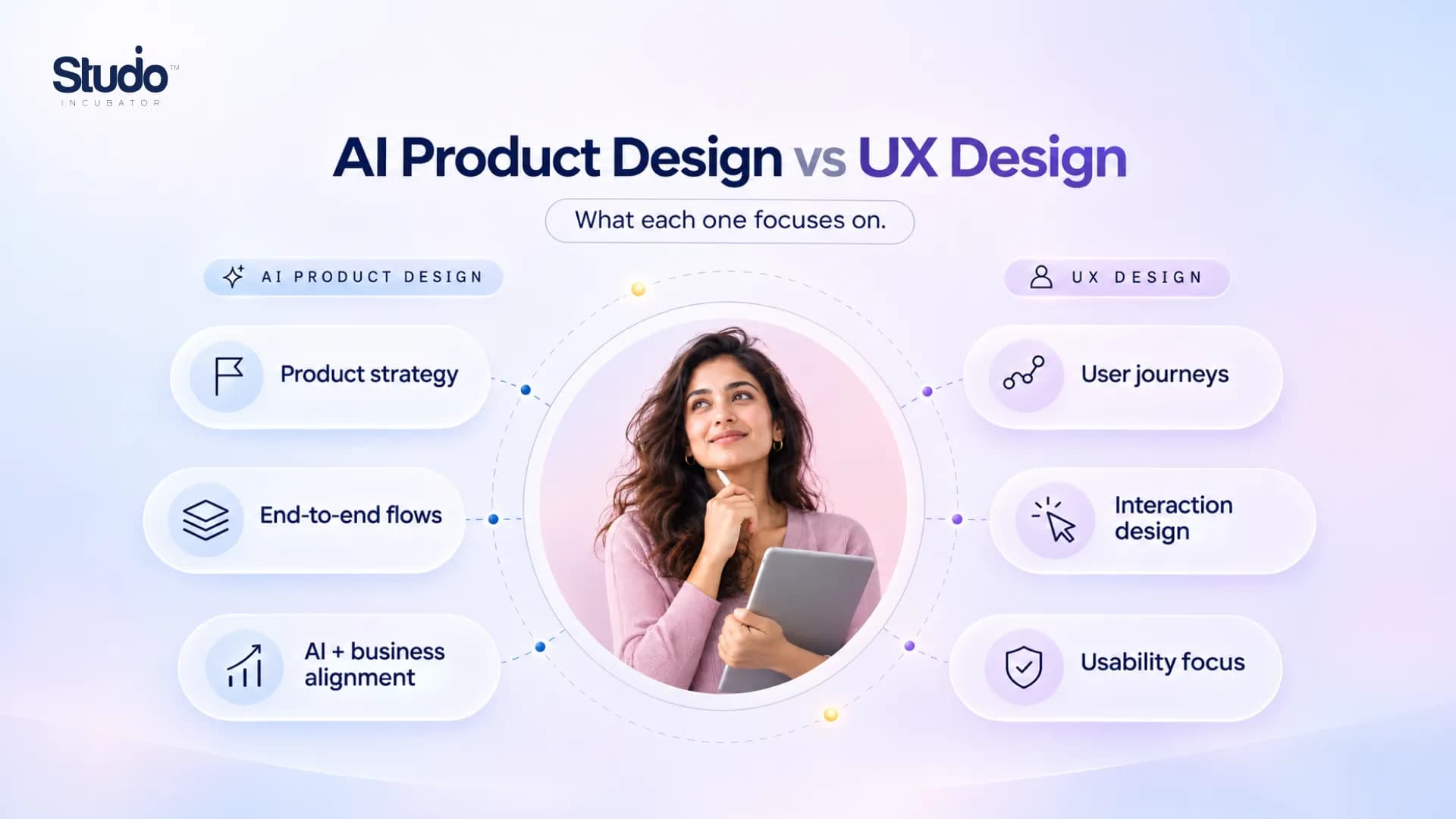
UX design shapes screens and flows for software that does what it is told. AI product design adds a system that makes its own choices, so you also design how it behaves, how sure it is, and what happens when it is wrong. Most UX skills carry over; the new part is designing judgement.
What is the difference between AI product design and UX design?
In a normal app, everything the user sees was decided by someone on the team. In an AI product, some of it is decided by the AI itself, live, in front of the user.
So the designer’s job grows. You still design the screen. You also design what goes inside it: what the AI is allowed to say, when it should ask, and how it owns up when it gets something wrong.
Which UX skills carry over?
Good news: nearly all of them. Research, journeys, information architecture, writing and testing matter more with AI, not less. You just point them at a new kind of material.
| Aspect | UX design | AI product design |
|---|---|---|
| You design | Screens and flows | Screens, flows and the AI’s behaviour |
| Success means | People finish the task | People finish it and trust the answer |
| Testing | Usability sessions | Usability plus awkward, real-world questions |
| Failure looks like | An error message | A confident wrong answer |
What new questions does every AI feature raise?
The same handful, every time. What may it do without asking? How sure is it, and should the user see that? Where does its information come from? And when it’s wrong, like that cancelled order, how does the user find out and recover?
None of these has a screen-only answer, which is exactly why they’re fun. If agents are new to you, this plain guide to agentic AI is a good place to start.
Is AI product design a good next step for UX designers?
If you’ve ever been the one fixing that screenshot, yes. Teams adding AI need people who can design trust and failure, and those are UX instincts.
Next time an AI says something odd inside a screen you designed, you’ll know where to look. If you’d like to practise that on a real product, see how our studio programme works, or take the five-minute self-check first.
Questions about AI product design
An AI product designer decides how an AI feature behaves: what it does on its own, what it asks, how it shows how sure it is, and how it recovers when it is wrong. They design the screens too.
No. It builds on UX design and adds the AI’s behaviour, uncertainty and failure to what you design. Most UX skills carry over.
No. You need to understand what AI can and can’t do, and to prototype and test with no-code tools. Coding helps but isn’t required.
AI is changing what UX designers spend time on, not removing the need for them. Teams adding AI need people who can design trust, hand-offs and failure.
With a structured, hands-on programme, designers can design and test a working AI product in about 12 weeks.
Studio Incubator in Shivajinagar runs a 12-week, studio-led AI Product Design and Agentic AI programme. Cohort 1 starts on 4 January 2027 with 12 seats.
More answers on the FAQs page and the fees and scholarships page.
Juily Gite
Founder, Studio Incubator
Juily has spent 25+ years in design and enterprise learning, and once led creative teams of up to 1,500 designers. She runs the studio and teaches the AI Product Design and Agentic AI programme in person in Pune.